← Back to Computer Vision Projects

Fun with Filters and Frequencies!

1.1: Finite Difference Operator

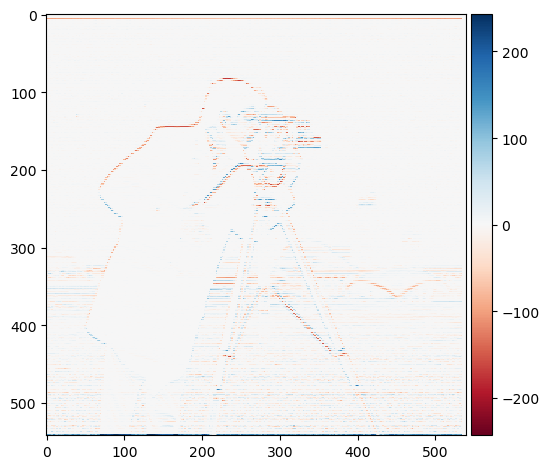
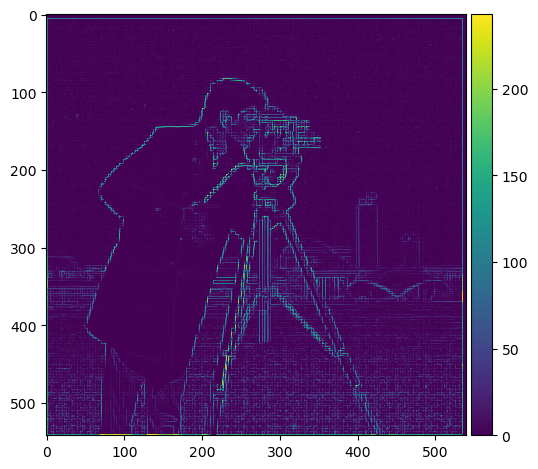
The gradient of my image I computed by convolving with the Dx and Dy operators, respectively. I was able to compute the magnitude by taking the RMS of the two resulting derivatives: np.sqrt(dx_im**2 + dy_im**2).
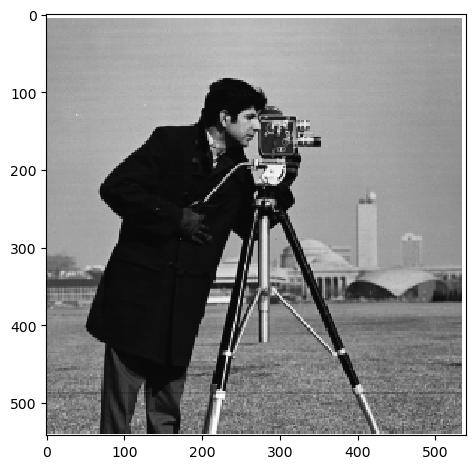
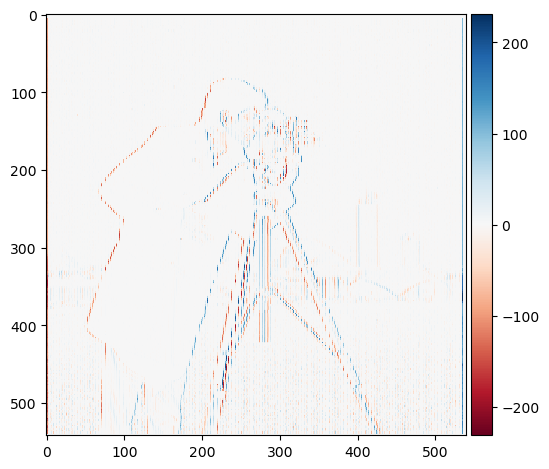
Original Image Dx of Image Dy of Image Gradient of Image
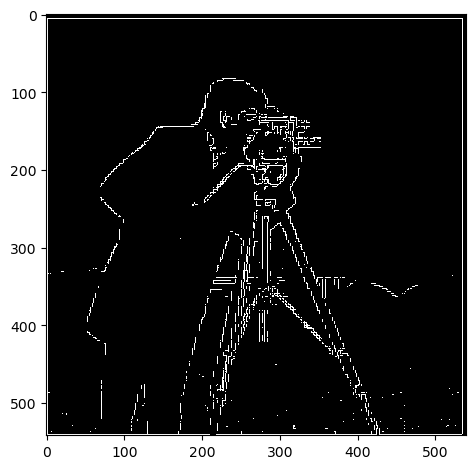
Boundary of Image
Boundary of Image (pixel values > 65)

1.2: Derivative of Gaussian (DoG) Filter

Below are images showing the results of applying the Derivative of Gaussian filter. Combining the Gaussian convolution operator with the differential operator yields the same result.
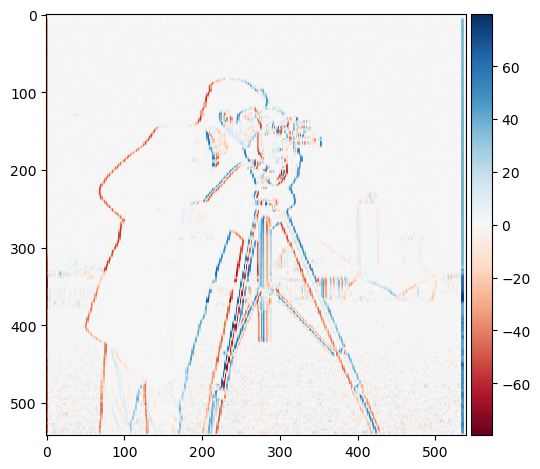
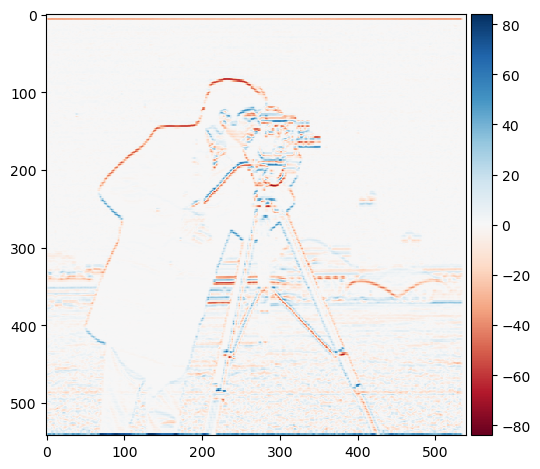
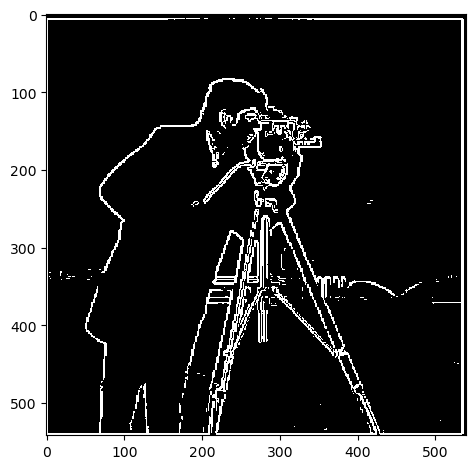
Dx of Image Dy of Image Gradient of Image Boundary of Image

Upon smoothing the image prior to convolving it with the derivative operators, I observe that the boundary is far more well defined. It's thicker and smoother. Below, we see that combining the Gaussian convolution operator with the differential operator yields the same result.
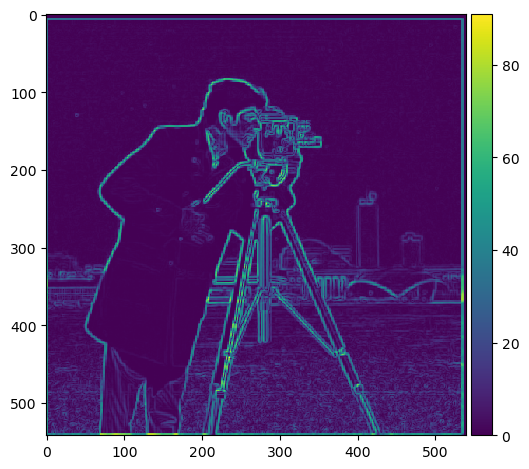
Dx of Image Dy of Image Gradient of Image Boundary of Image

2.1: Image Sharpening

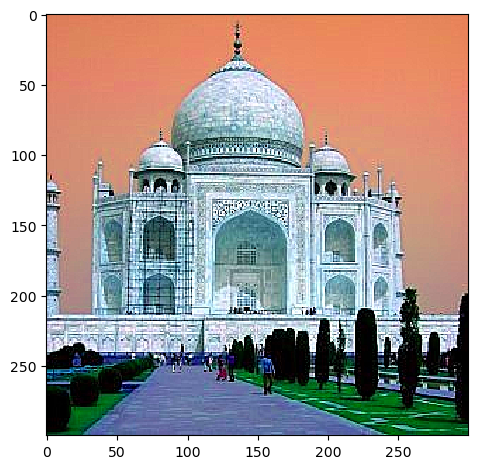
The image sharpening was quite interesting and fun! I used a single filter for my sharpening: unsharp_mask_filter = (1+alpha)*impulse - alpha*kernel_3d.

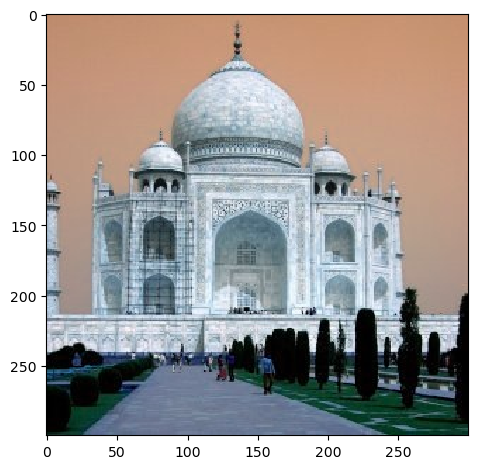
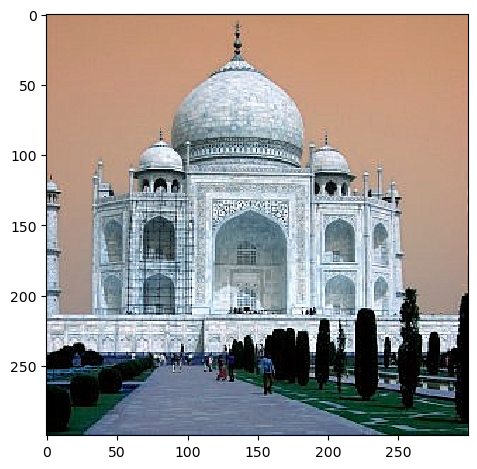
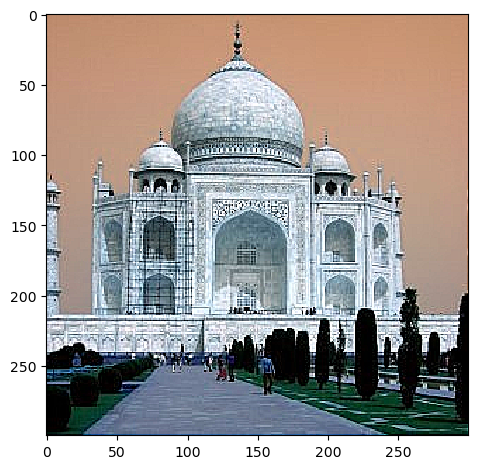
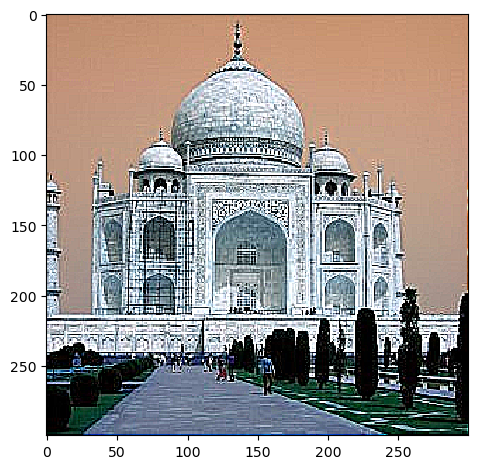
Progression of Taj Mahal sharpening:

Original Image
Normalization Error
Initially, I made the error of normalizing my result instead of clipping, resulting in discoloration.

Progression of Taj Sharpening with different alpha values:

Alpha 1
alpha = 1
Alpha 2
alpha = 2
Alpha 5
alpha = 5

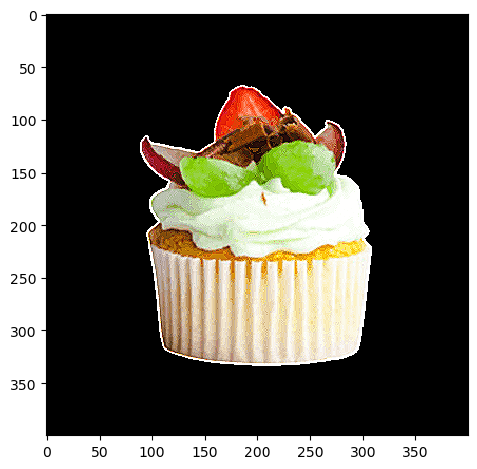
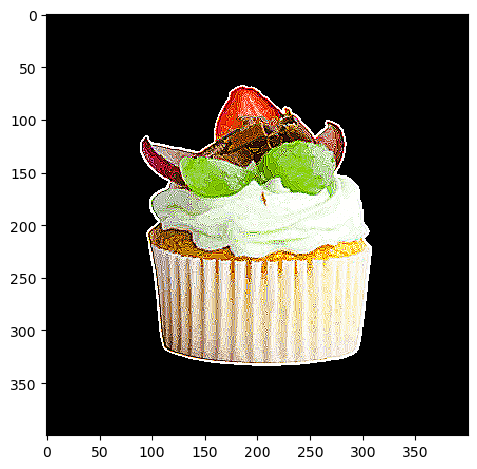
Next, I tried sharpening with an image of my own. I was finding the best results with alpha = 5.

Cupcake
Original Cupcake
Sharpened Cupcake

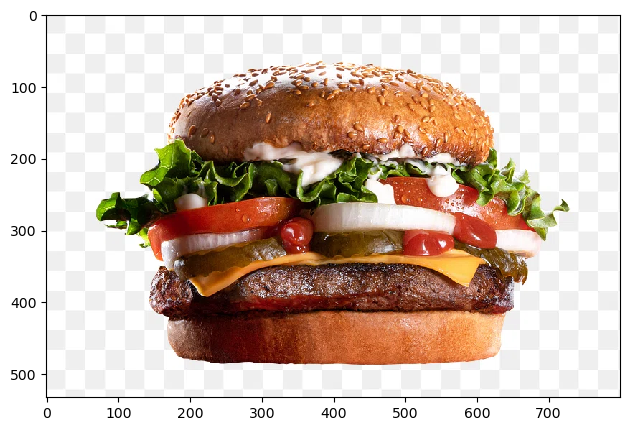
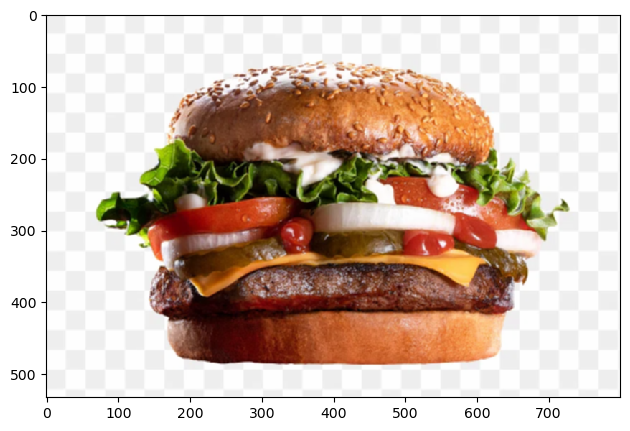
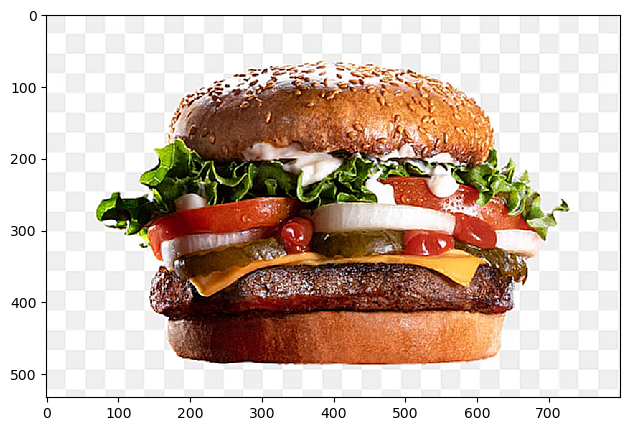
As a final experiment, I used an already sharp image, blurred it with a Gaussian filter, and resharpened. Here's my result!

Original Burger Blurred Burger Resharpened Burger

Resharpened burger: actually turned out better than what I had initially! Again, alpha = 5.

2.2: Hybrid Images

For me, this was the most challenging portion of the project.
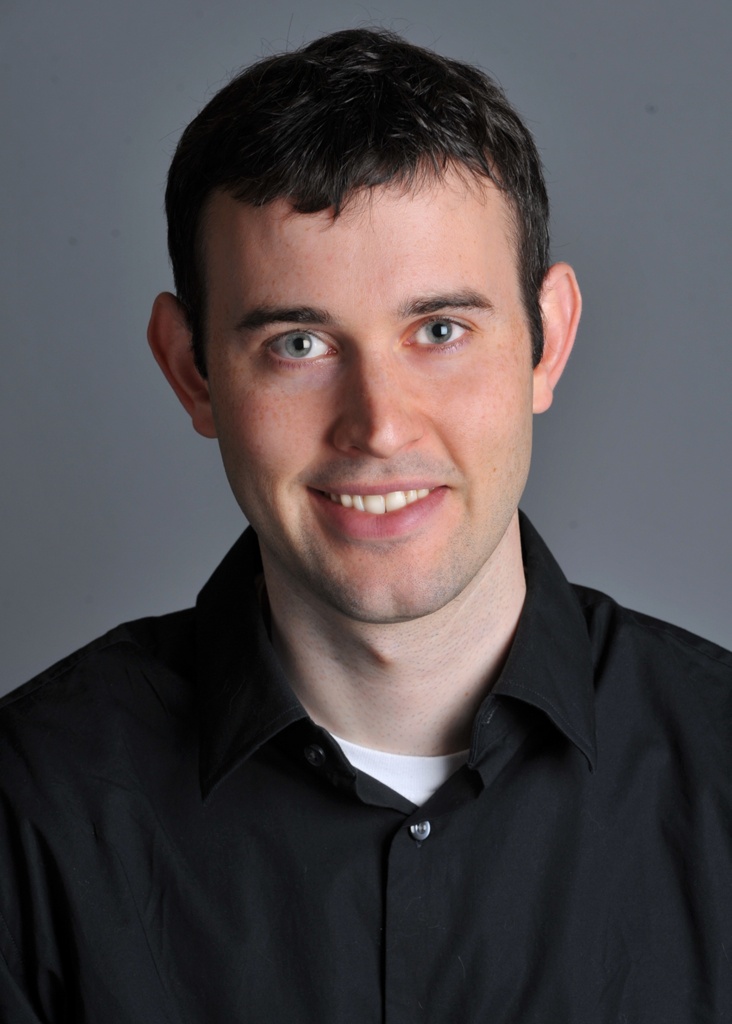
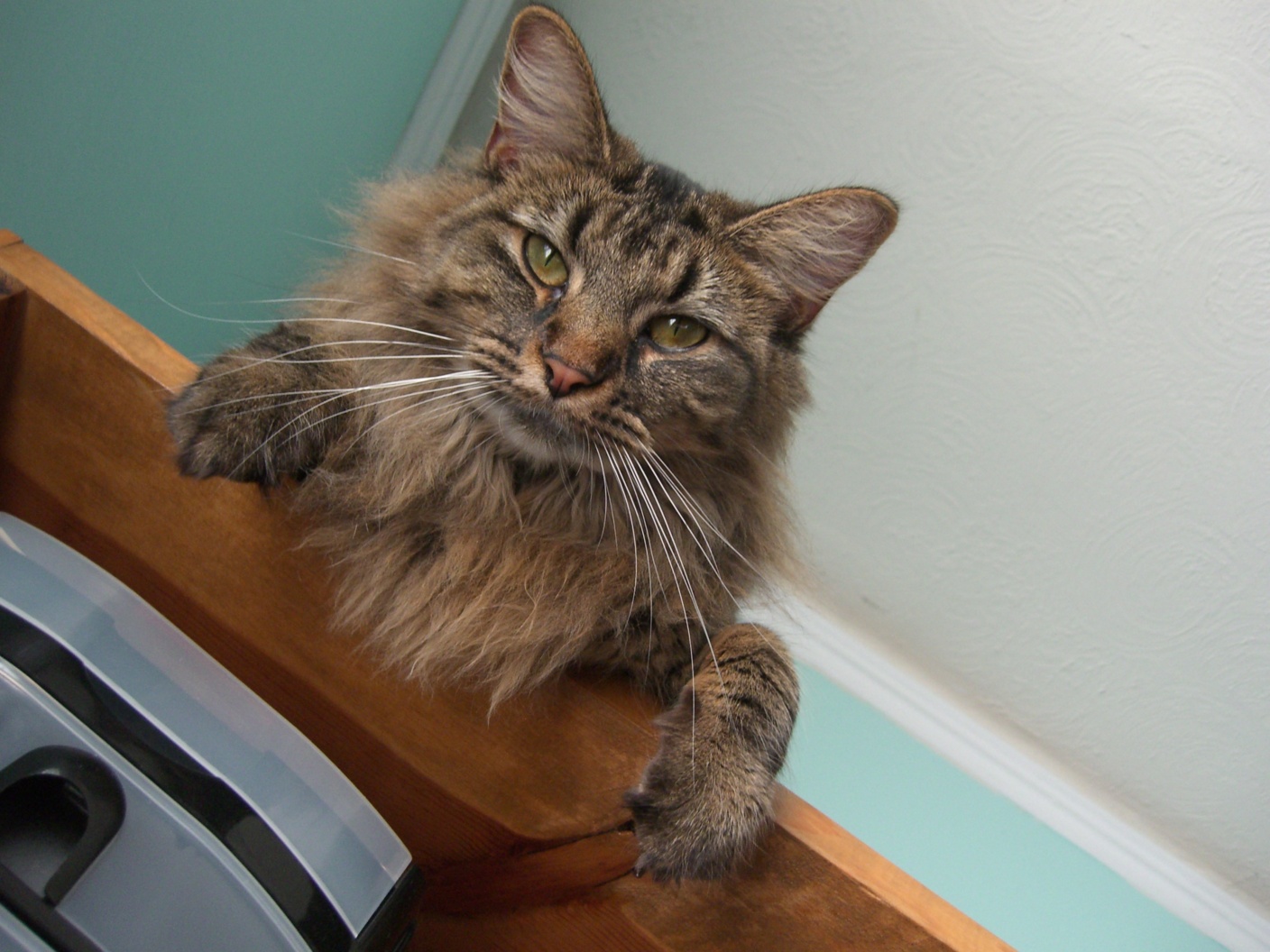
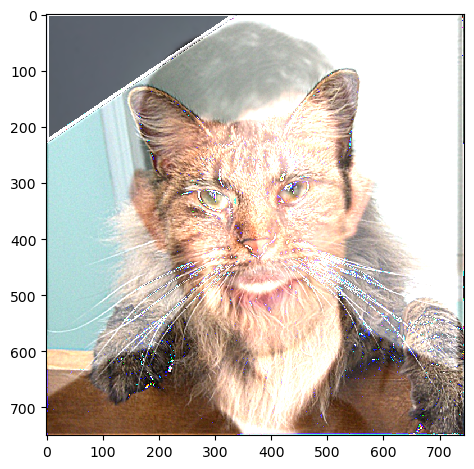
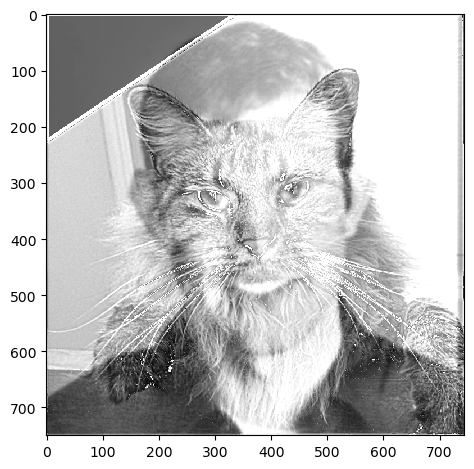
First, I made a hybrid image from Derek and Nutmeg.
Derek Nutmeg
Hybrid Colored
Hybrid Image (Colored)
Hybrid B&W
Hybrid Image (B&W)

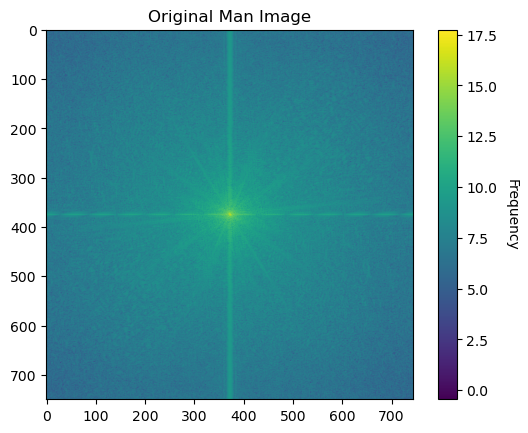
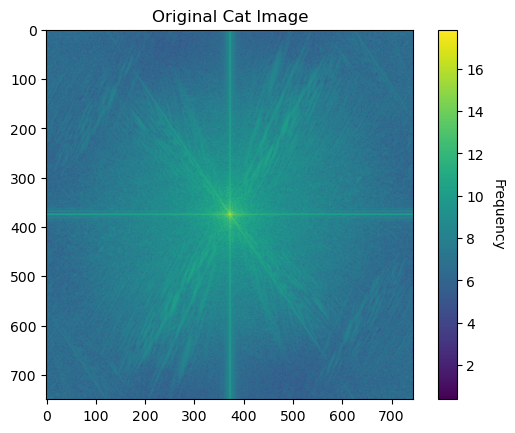
Fourier Analysis:

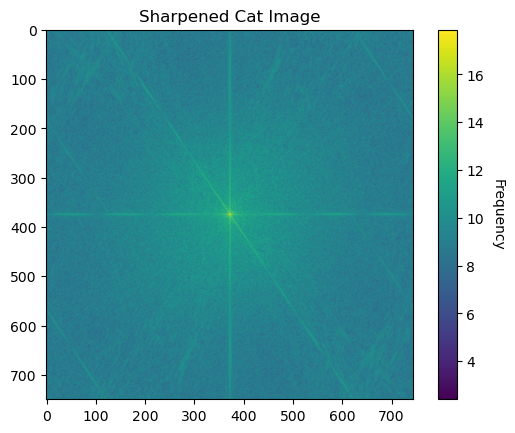
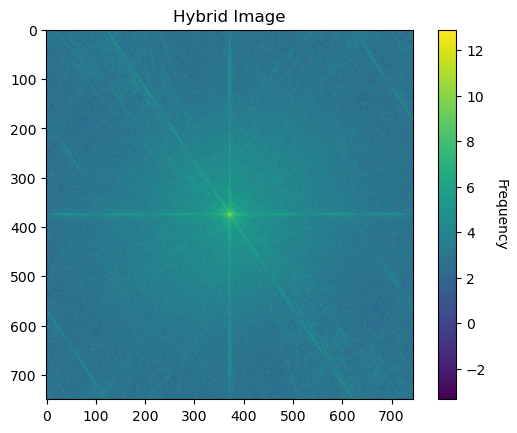
Man Frequency Cat Frequency
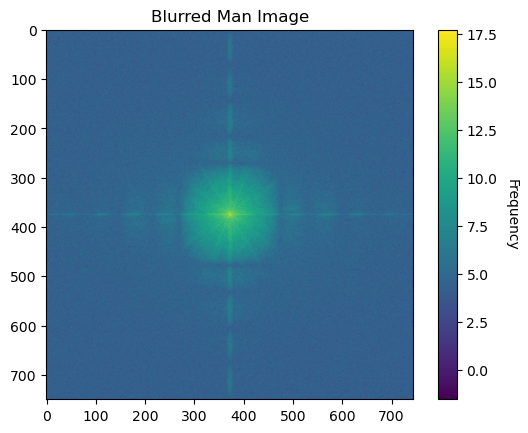
LPF Man

As expected, several high frequencies are filtered.

Band Limited Cat Hybrid Image

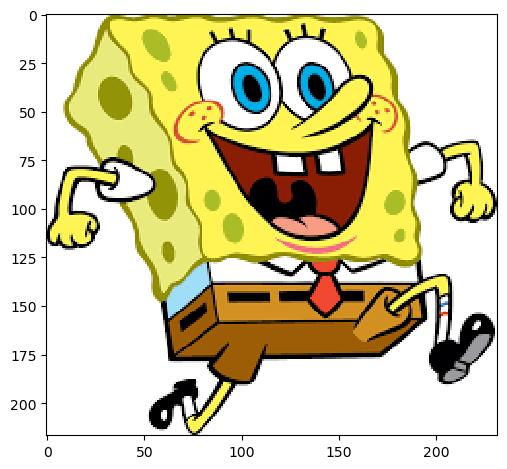
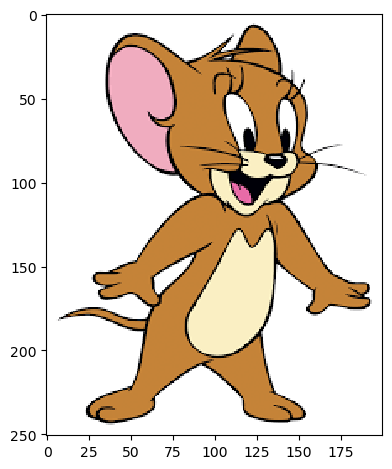
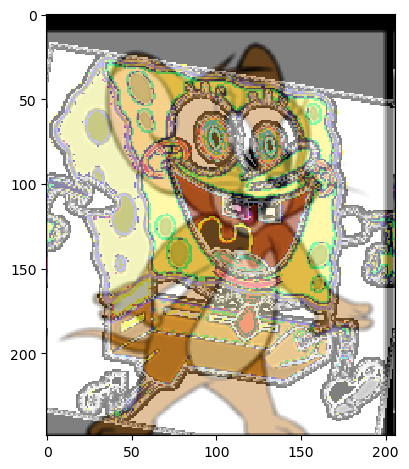
More hybrid images (first is a failure):

Sponge Jerry Serry
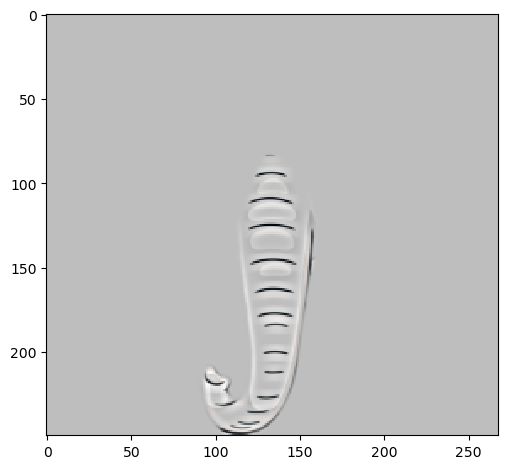
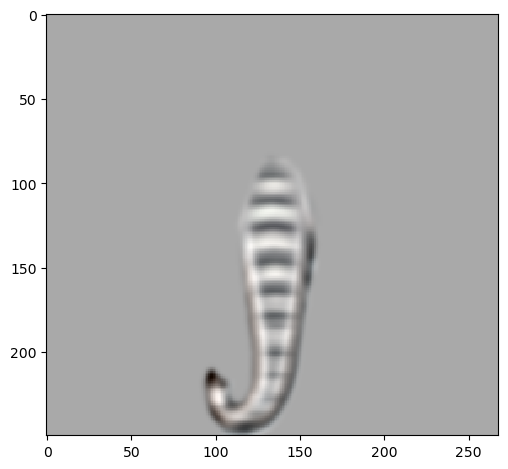
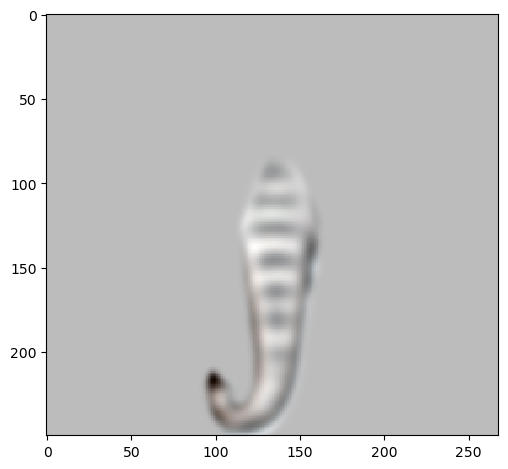
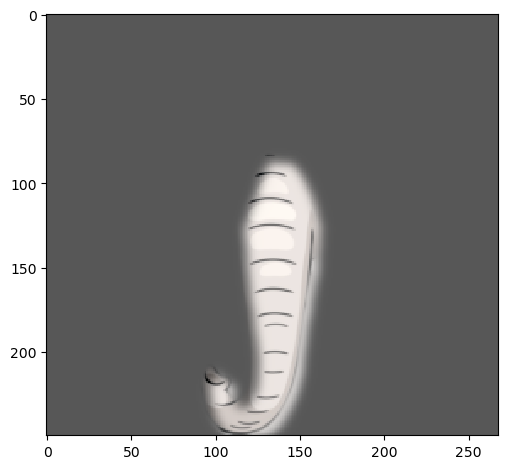
Tiger Elephant Eiger

2.3: Gaussian and Laplacian Splits

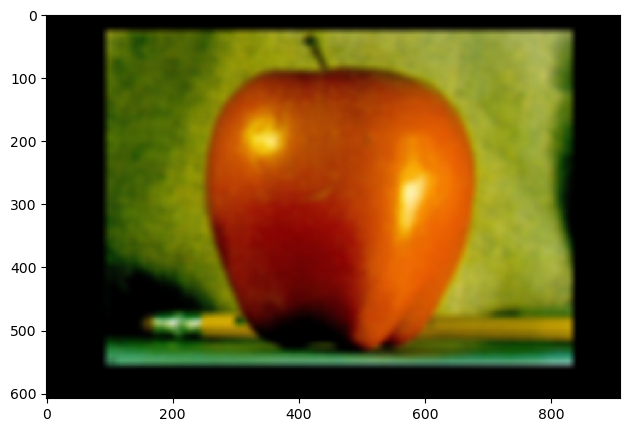
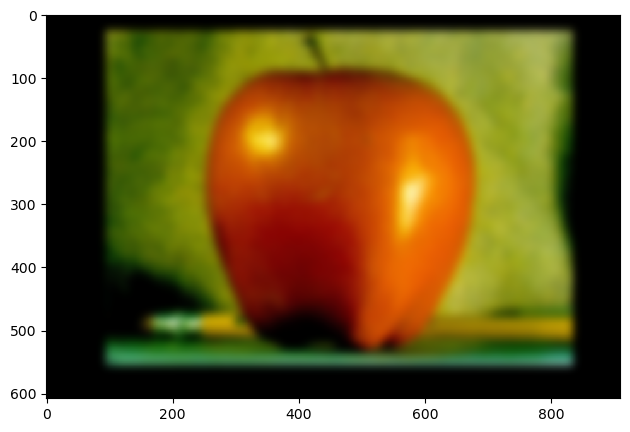
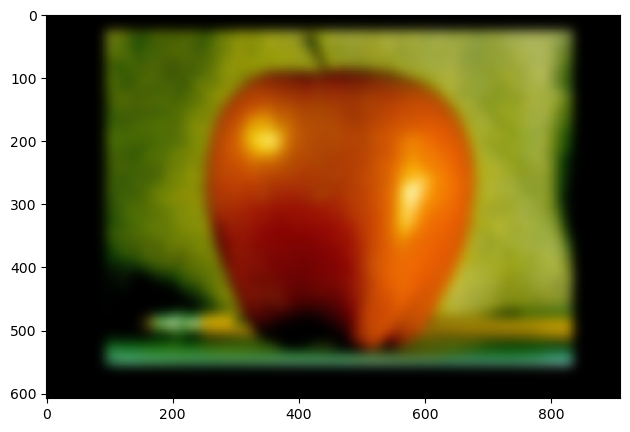
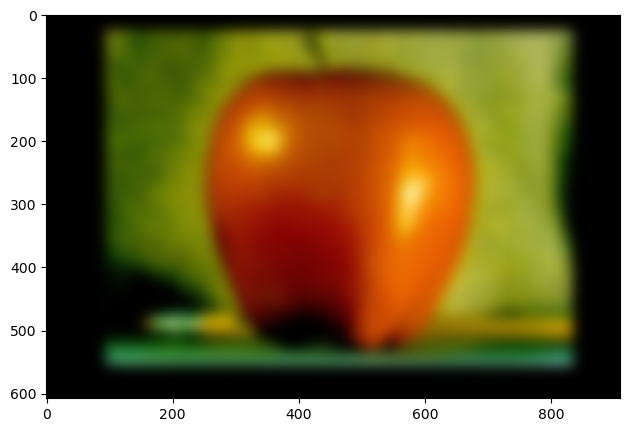
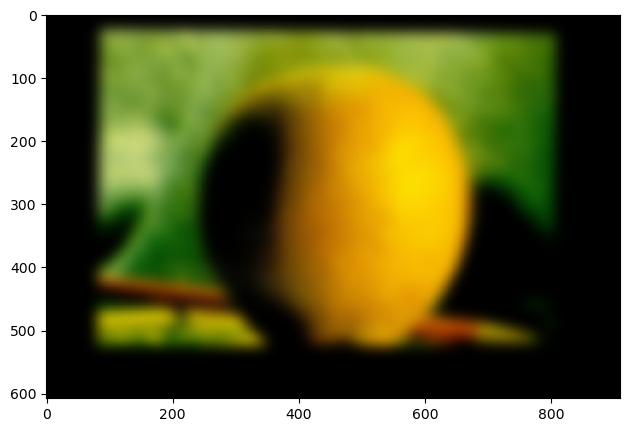
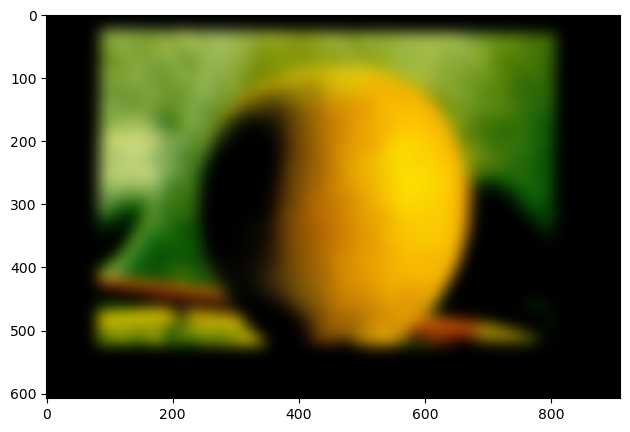
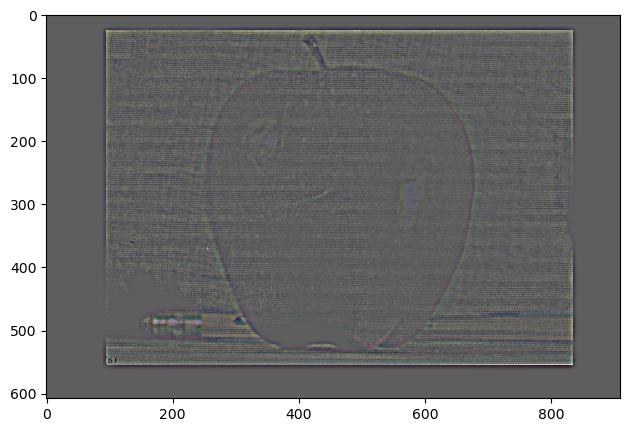
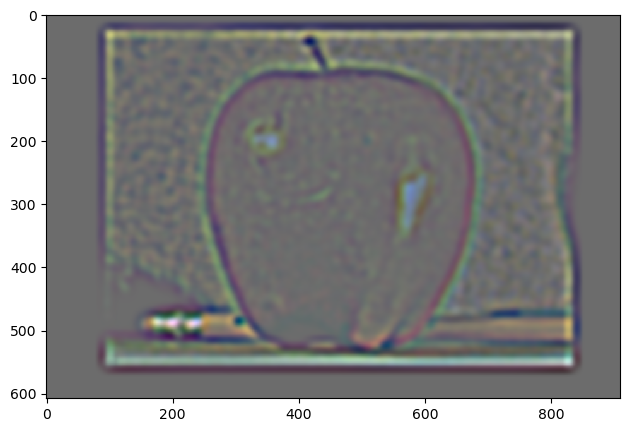
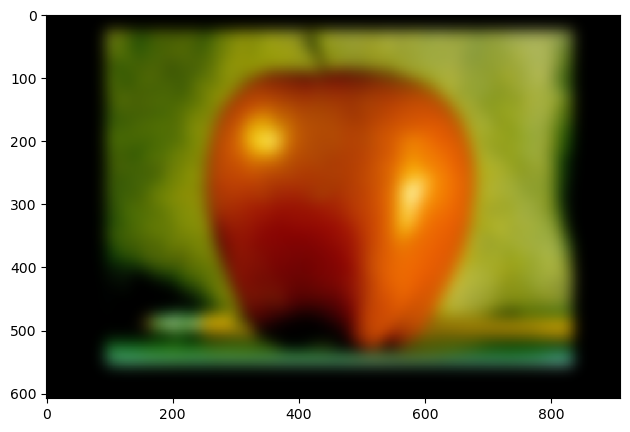
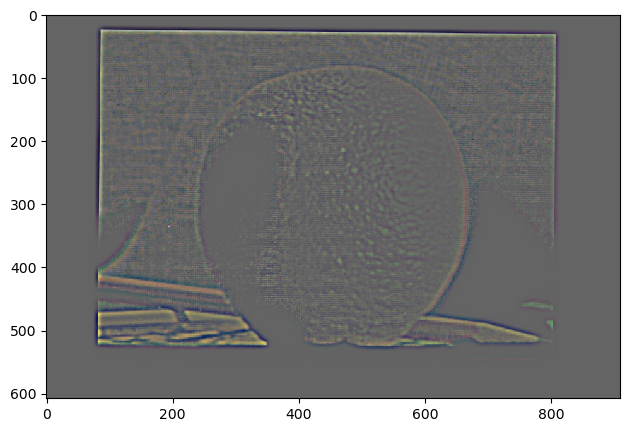
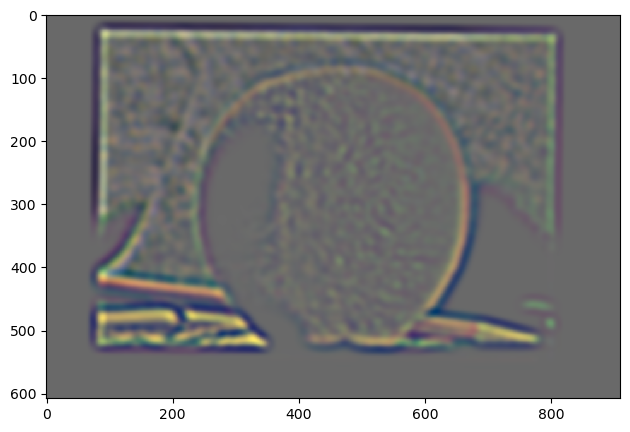
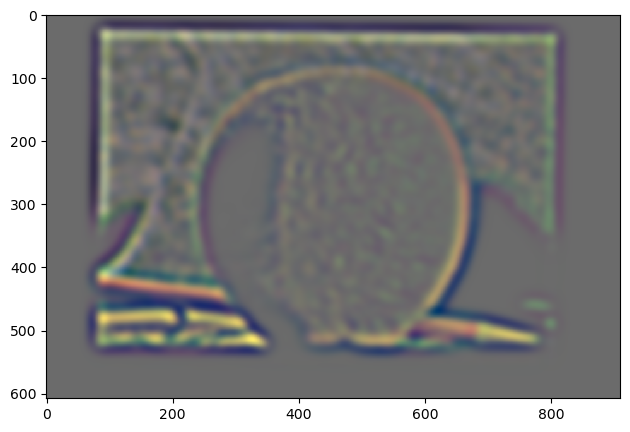
Multiresolution blending was my favorite part of this project! Here, I got some of the most rewarding results. First, let's take a look at the Gaussian and Laplacian stacks of the two images to blend: apple and orange.

The stacks were 8 long, for clarity I'm only showing 5 elements: 1, 3, 5, 7, 8.

Apple gaussian:

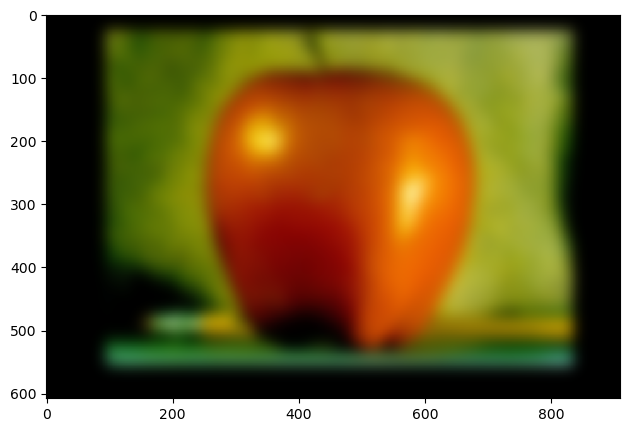
Apple Gaussian 1 Apple Gaussian 3 Apple Gaussian 5 Apple Gaussian 7 Apple Gaussian 8

Orange gaussian:

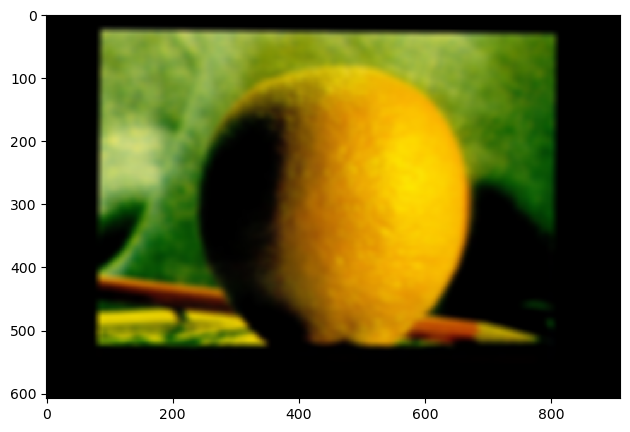
Orange Gaussian 1 Orange Gaussian 3 Orange Gaussian 5 Orange Gaussian 7 Orange Gaussian 8

Apple laplace:

Apple Laplace 1 Apple Laplace 3 Apple Laplace 5 Apple Laplace 7 Apple Laplace 8

Orange laplace:

Orange Laplace 1 Orange Laplace 3 Orange Laplace 5 Orange Laplace 7 Orange Laplace 8

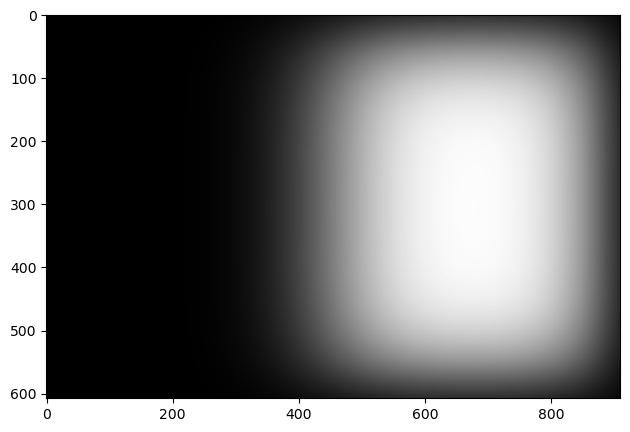
Next, I used a left-right divided mask to blend the two images. Gaussian kernels were used to blend the mask 8 times, each blend for the next element in the Laplacian stack. Shown is the 8th mask blend.

8th Mask Blend

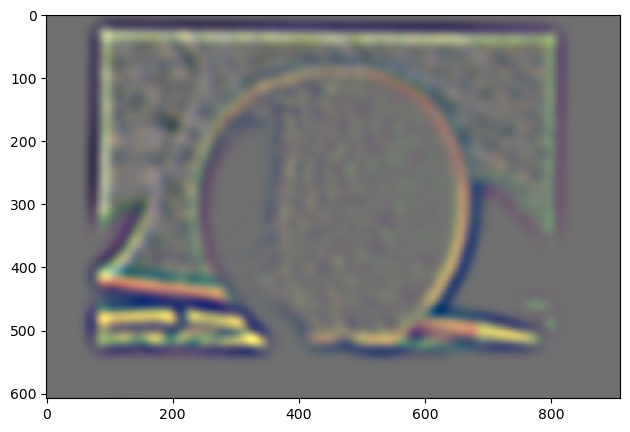
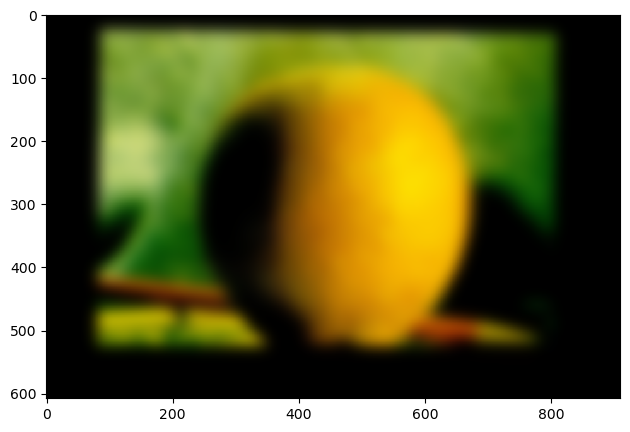
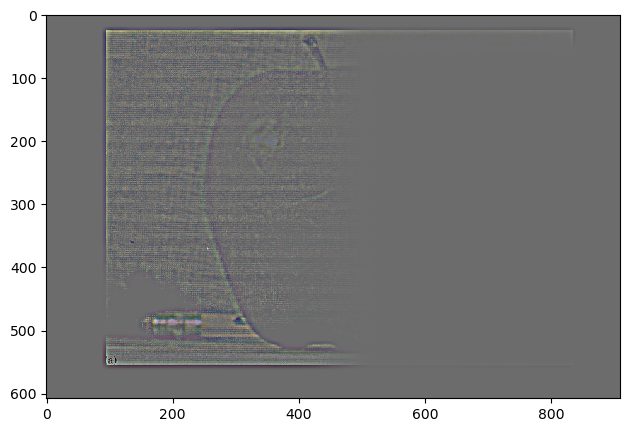
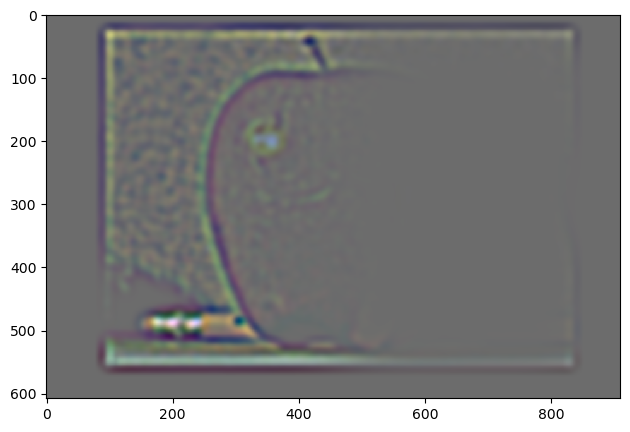
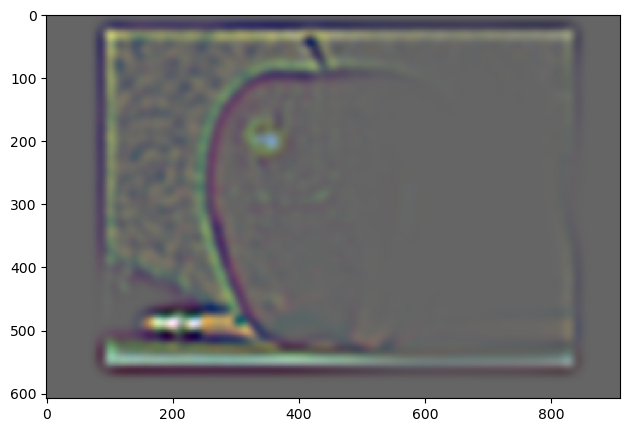
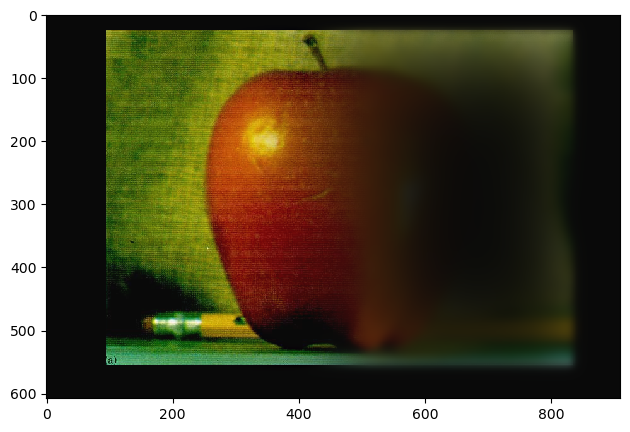
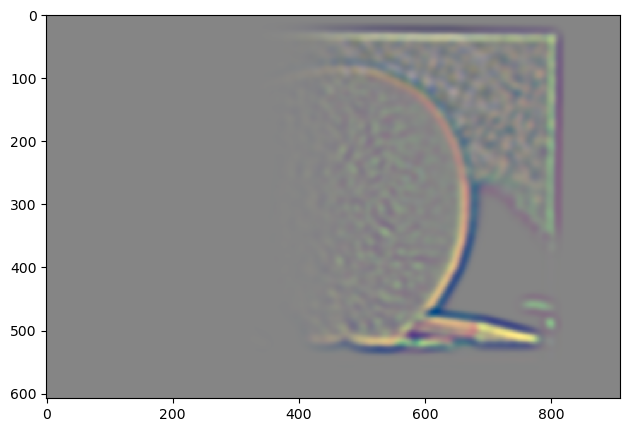
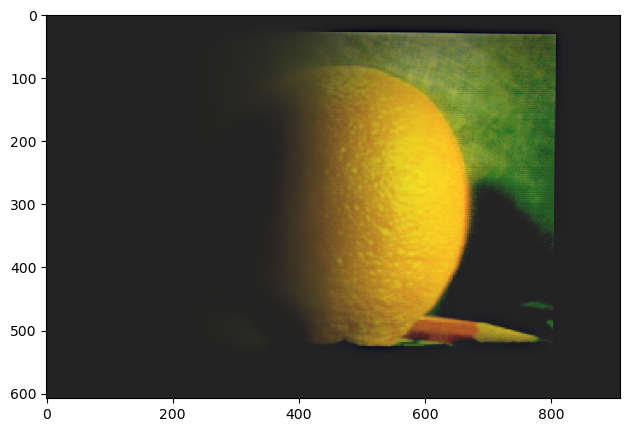
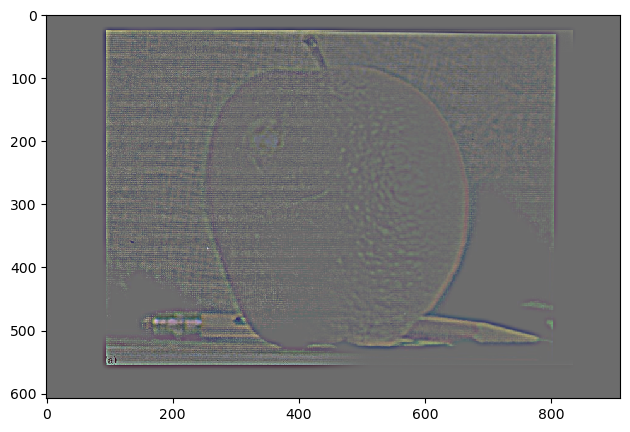
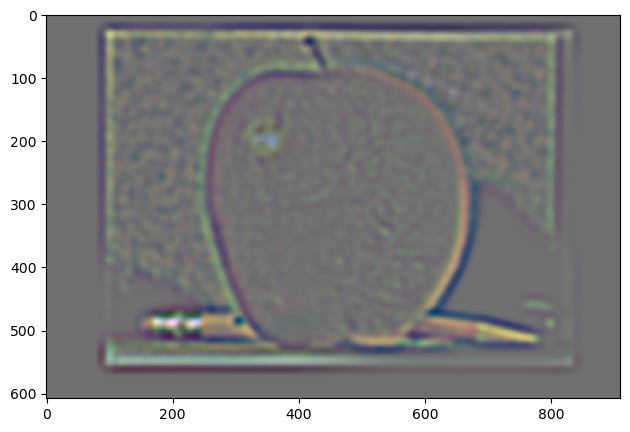
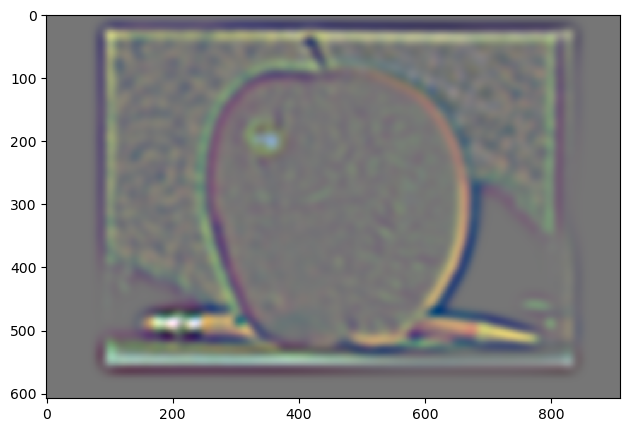
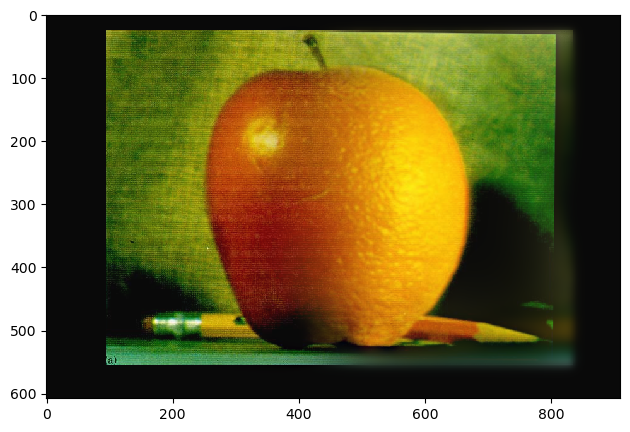
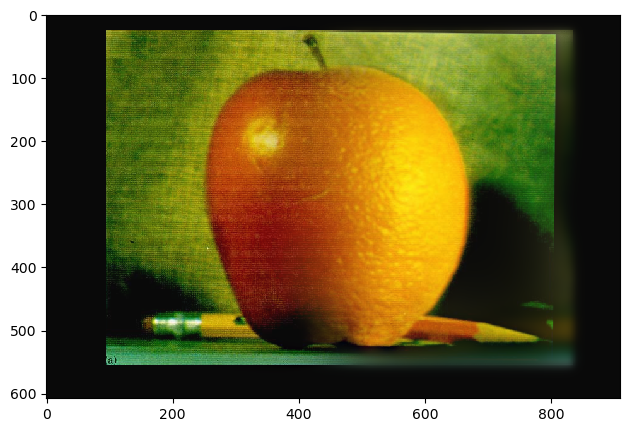
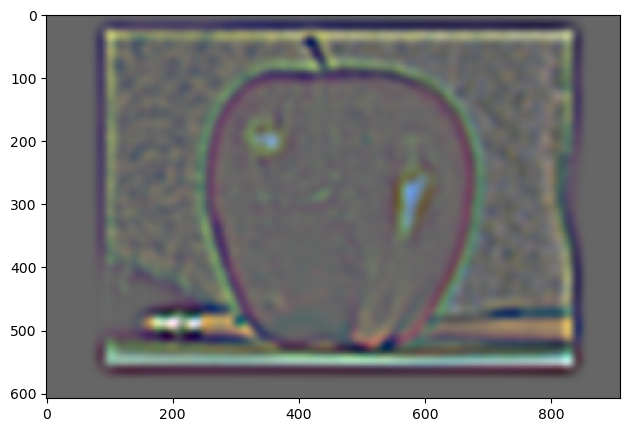
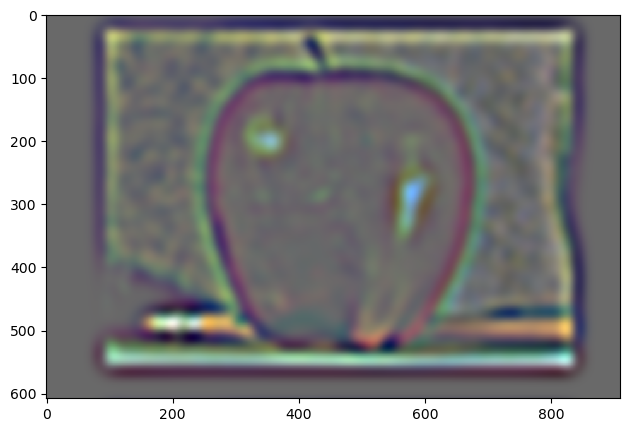
Below are the laplacian stacks that resulted from masking. Elements 0, 2, 4, and the sum of all 8 elements are shown.

Apple:

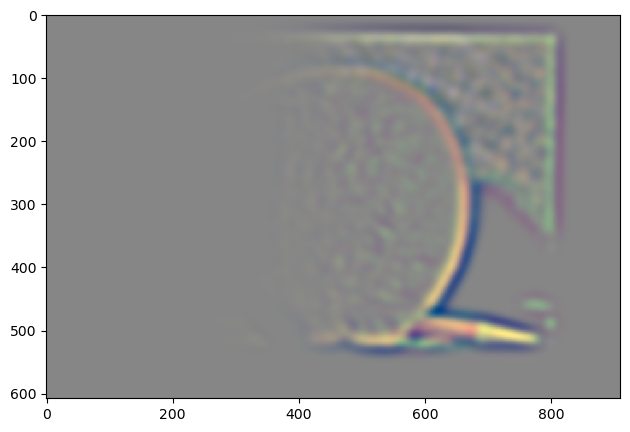
Apple Laplacian 0 Apple Laplacian 2 Apple Laplacian 4 Apple Laplacian Sum

Orange:

Orange Laplacian 0 Orange Laplacian 2 Orange Laplacian 4 Orange Laplacian Sum

Blended:

Blended Laplacian 0 Blended Laplacian 2 Blended Laplacian 4 Blended Laplacian Sum

Here was my final result:

Final Hybrid Image

2.4: Multiresolution Blending

In this section are some of the other blending examples I tried.

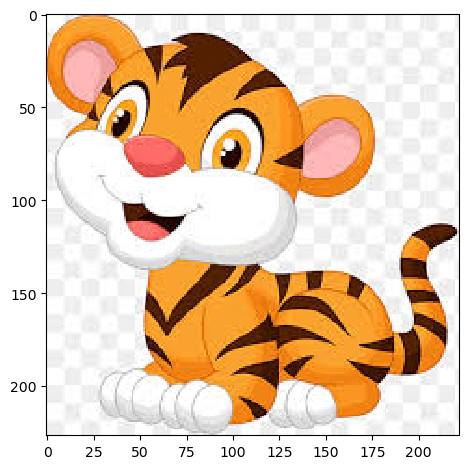
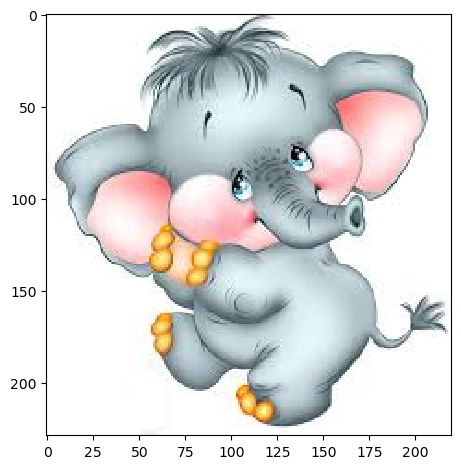
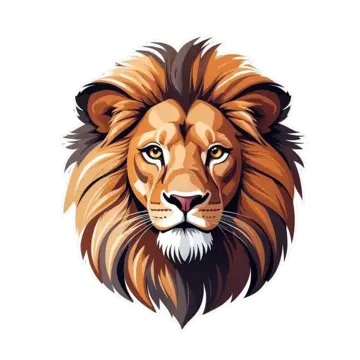
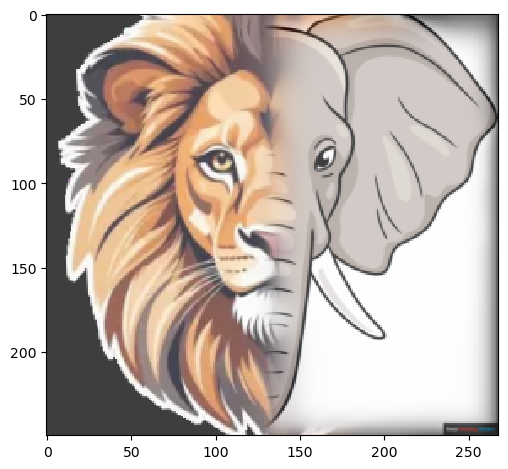
First, I did a vertical line blend between a tiger and a lion.

Initial images:

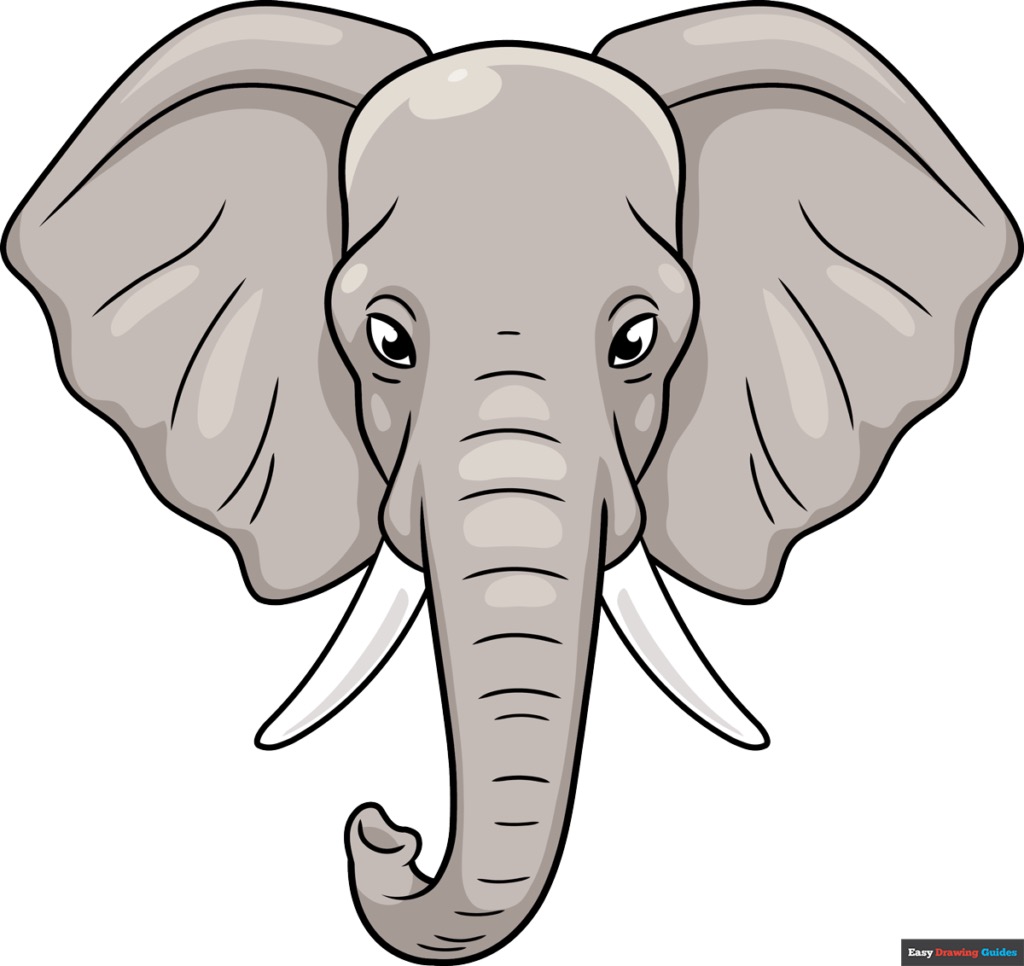
Tiger Elephant

Vertical blend:

Vertical Blend

The images are certainly quite different, thus the boundary (though blended alright) is clear.

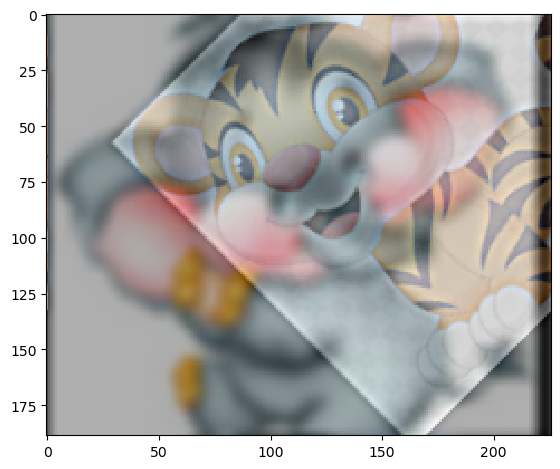
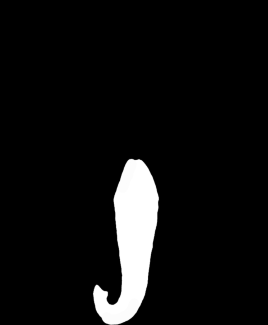
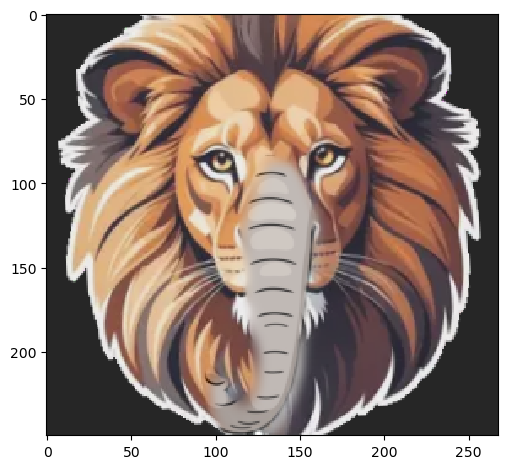
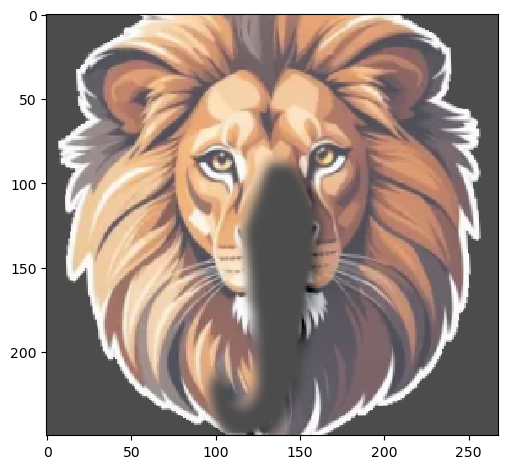
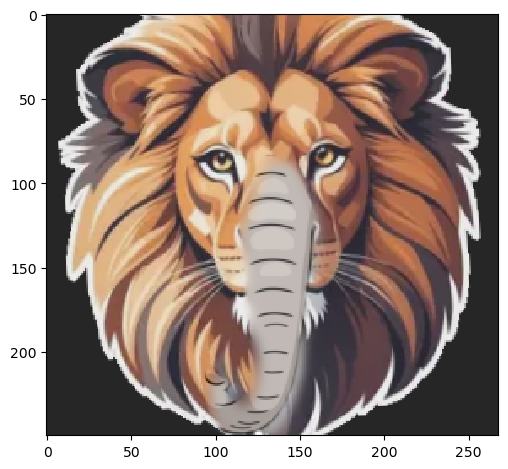
Then, for my obscure-mask blend, I decided to use the same two images! However, now I'm trying to incorporate the elephant's trunk with the tiger's face.

Obscure Mask Obscure-mask Blend

Here, my primary issue was that the gaussian mask had a sigma a bit too high (or so I thought). When I tried to lower sigma, I was unable to fix this issue. Therefore, the lion was left with a trunk that's leaking gray onto its face a bit.

Overall, the blends turned out okay!

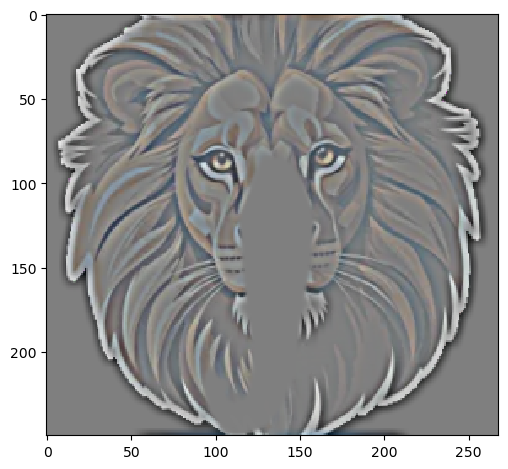
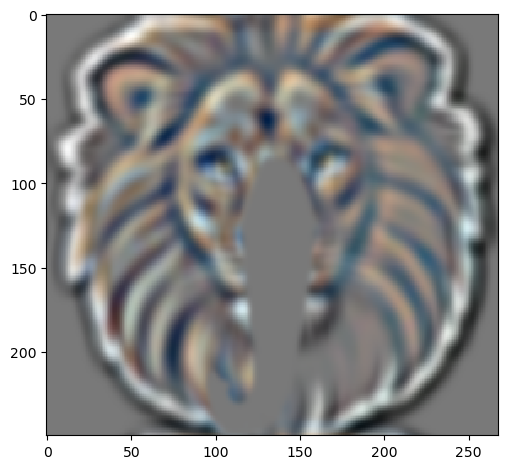
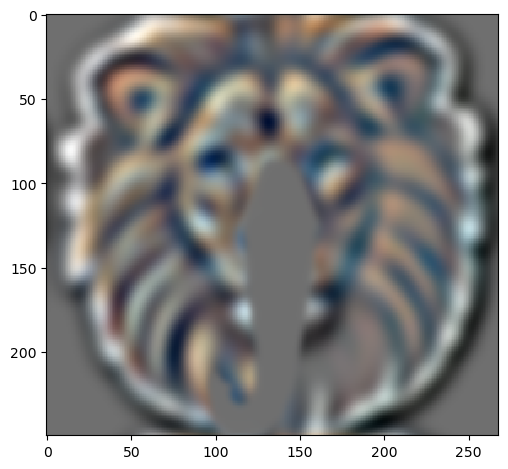
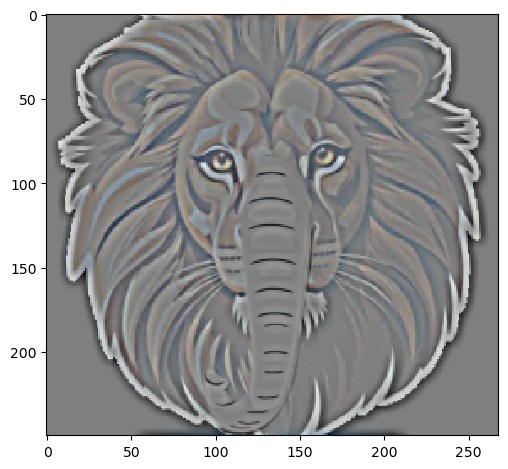
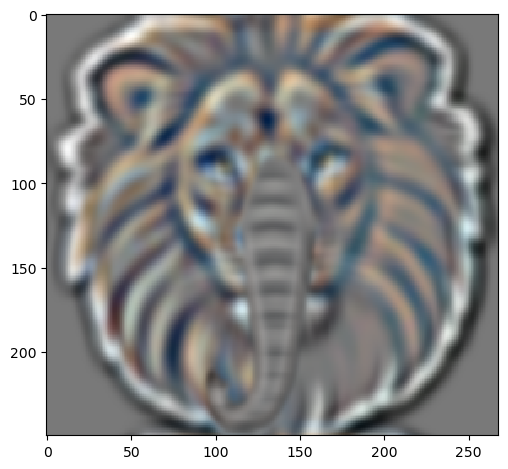
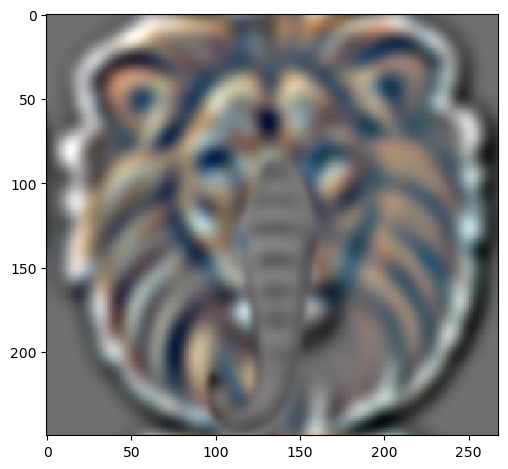
Here are the laplacian stacks for the tiger (row 1), elephant (row 2), and hybrid image (row 3). The final column is the normalized sum of the laplacian stacks.

Tiger Laplacian Stack:

Tiger Laplacian 0
Tiger Laplacian 2
Tiger Laplacian 4
Tiger Laplacian Sum

Elephant Laplacian Stack:

Elephant Laplacian 0
Elephant Laplacian 2
Elephant Laplacian 4
Elephant Laplacian Sum

Hybrid Image Laplacian Stack:

Hybrid Laplacian 0
Hybrid Laplacian 2
Hybrid Laplacian 4
Hybrid Laplacian Sum